Uninstalling ZORRO
Open Cydia → Installed, select ZORRO, then Remove or Modify → Remove. Wait for removal to finish. Backup files are retained, so you can reinstall when troubleshooting.
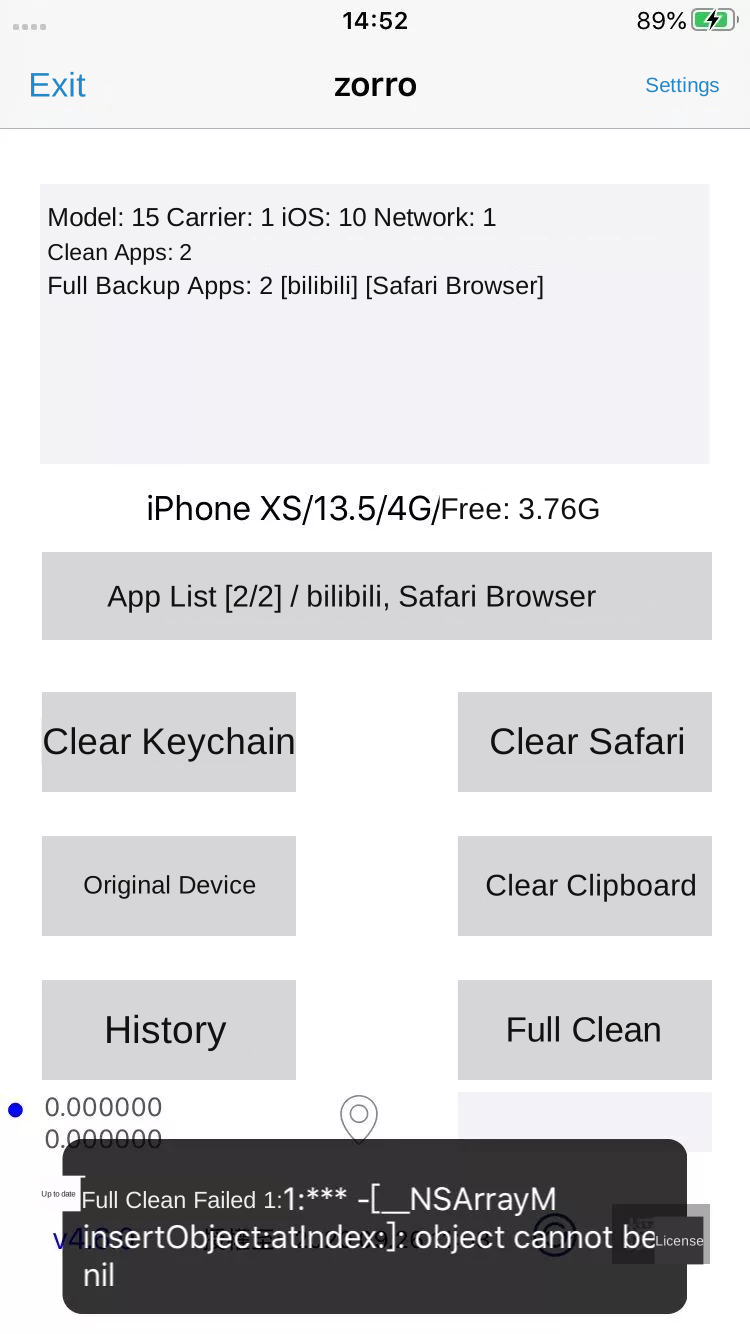
Full Clean fails
The error _NSArrayM insertObject:atIndex: object cannot be nil in the supplied guide indicates an incorrect Cydia path. Repair the Cydia installation before trying again.
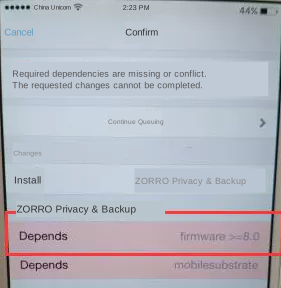
Missing or conflicting dependencies
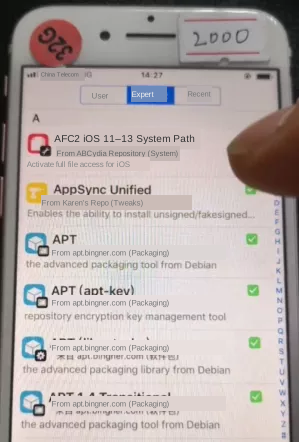
If Cydia cannot resolve dependencies such as firmware >= 8.0 or mobilesubstrate, check that the jailbreak and package manager work. The original guide tests installation with Apple File Conduit “2” (AFC2): if it also remains queued or fails, repair Cydia. Refresh available changes first. The legacy guide lists http://apt.abcydia.com for its iOS 11–13 AFC2 package.
No device matches the selected parameters
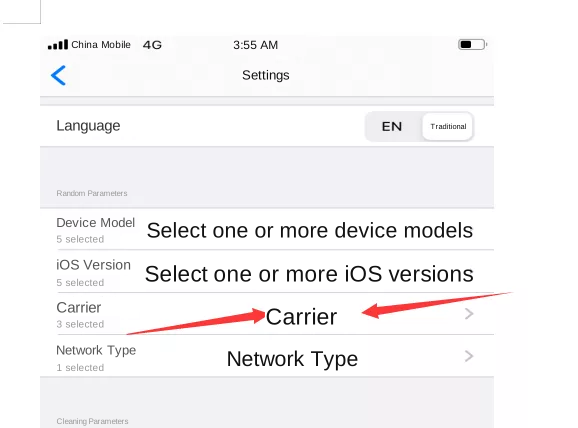
Open Settings → Random Parameters. Select more than one suitable value for model, iOS version, carrier and network type, then retry Full Clean.
Restoring backups or other functions stops working
Check whether the phone has recently been jailbroken again. Try installing or removing a package in Cydia and check for red error messages. Errors can indicate a broken package manager or inactive jailbreak. Restart and reactivate the jailbreak as needed.
Moving a license after device failure
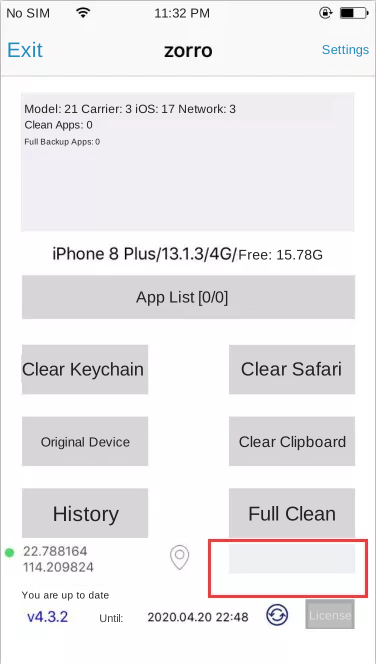
The supplied ZORRO policy limits transfers to activated annual licenses when a device has failed, with one transfer within 365 days. Locate each device’s serial number under iOS Settings → General → About. Send the old and new serial numbers to support, install the software on the new device, connect it to the internet and open it once. Confirm the policy for your purchased license with support.
Missing IP or location information
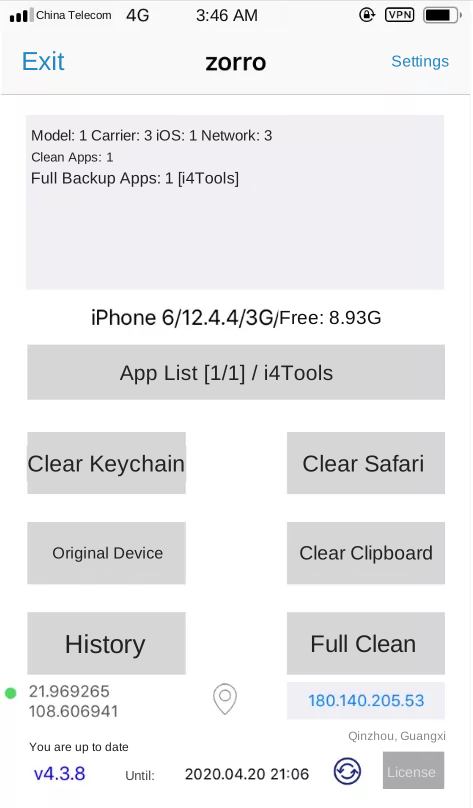
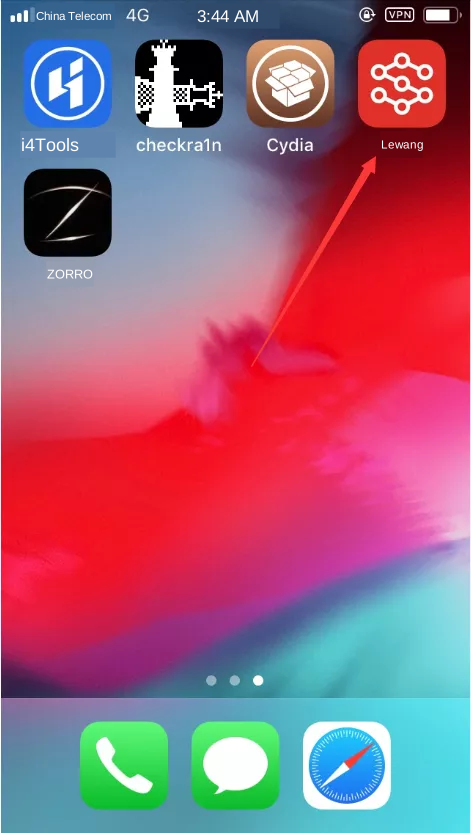
The legacy guide recommends enabling the global filtering option in the Lewang network tool and enabling iOS Location Services under Settings → Privacy → Location Services.
Apps crash after cleaning
Keep the simulated iOS version within the device’s actual major iOS version. The guide also notes a boundary at iOS 12.2: on devices below 12.2, simulating a version above 12.1.4 can crash some apps, while devices on 12.2 or later may work. Narrow the selected versions to avoid that combination.